Articles
get STRONGER.
Explore free tips and tutorials on Squarespace and web design.
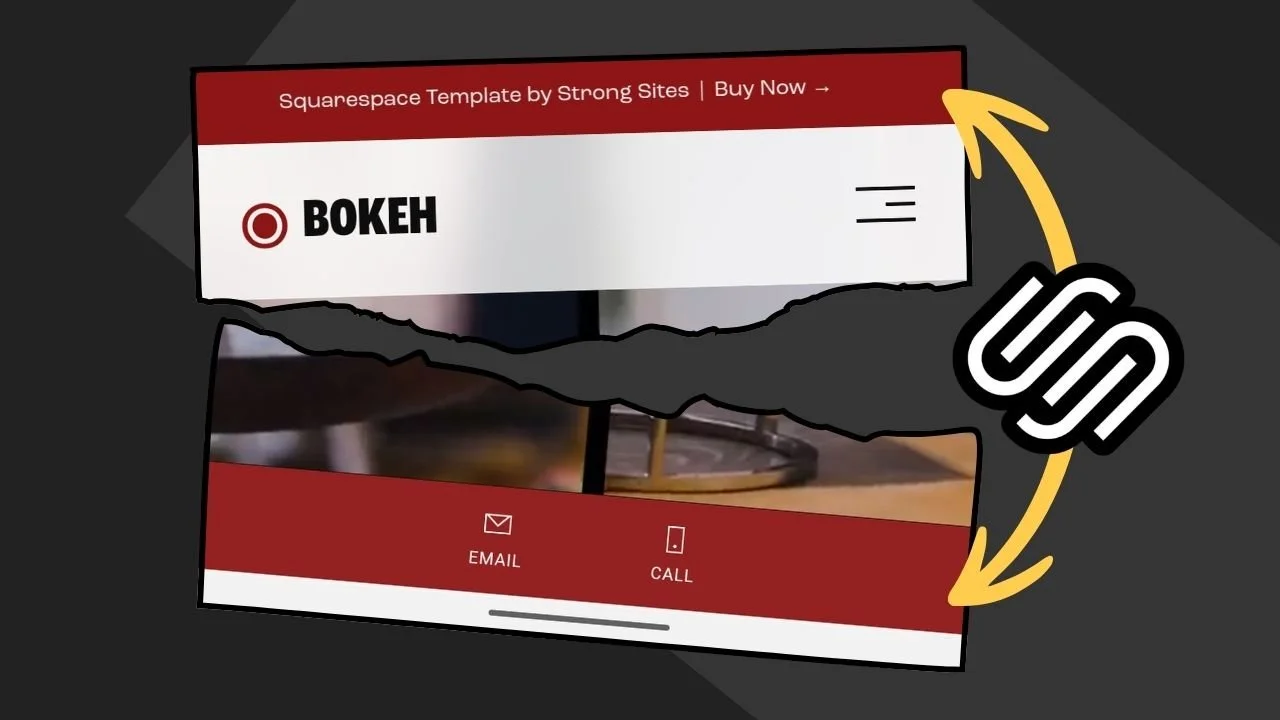
Make Squarespace’s Mobile Info Bar Match The Announcement Bar
Make Squarespace’s Mobile Info Bar match your Announcement Bar color with a simple Custom CSS snippet using Squarespace color variables. This quick Squarespace 7.1 tutorial shows how to sync the mobile info bar background to your announcement bar (or your primary button color) for cleaner, brand-consistent styling on mobile.
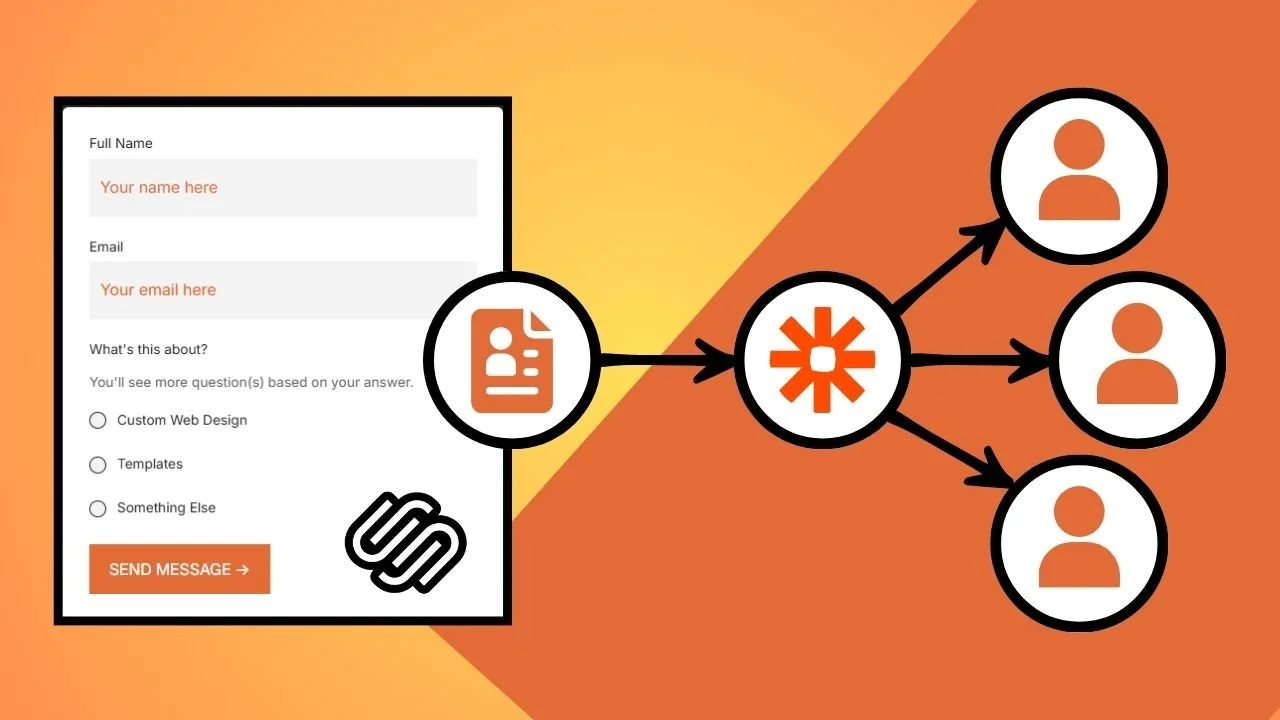
How to Send Squarespace Form Submissions to Multiple Emails
Squarespace form notifications only go to one email by default, which is fine until you have a client, VA, or team that also needs the submissions. This guide covers the easiest and most reliable ways to send Squarespace form entries to multiple inboxes using Gmail filters, Google Groups/aliases, Zapier, Pabbly Connect or Make, plus a simple fix to stop Gmail from merging submissions into one thread.
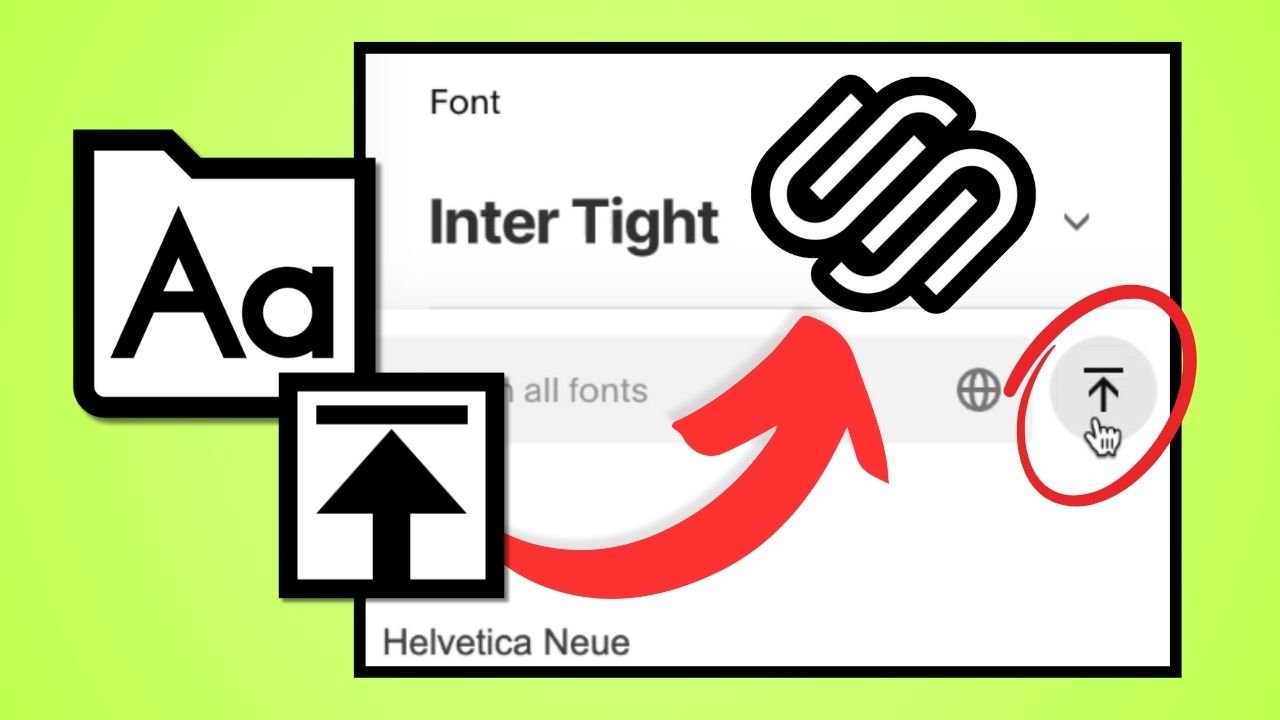
How to Upload Custom Fonts in Squarespace (No Code Needed)
I’ll walk you through how to upload and use your own custom fonts in Squarespace without touching a line of code. I explain why hosting fonts locally can help with privacy and performance, how to convert files to WOFF2 for faster loading, and how to manage fonts directly inside Site Styles. It’s a quick, practical guide for anyone who wants their site’s typography to match their brand perfectly.

Squarespace’s New Pro Tools: Granular Control, Fewer Workarounds
I tested Squarespace’s new pro tools that give designers real control without code. From block animations to flexbox-style Stacks, these updates make sites faster to build, smoother to hand off, and more fun to design.

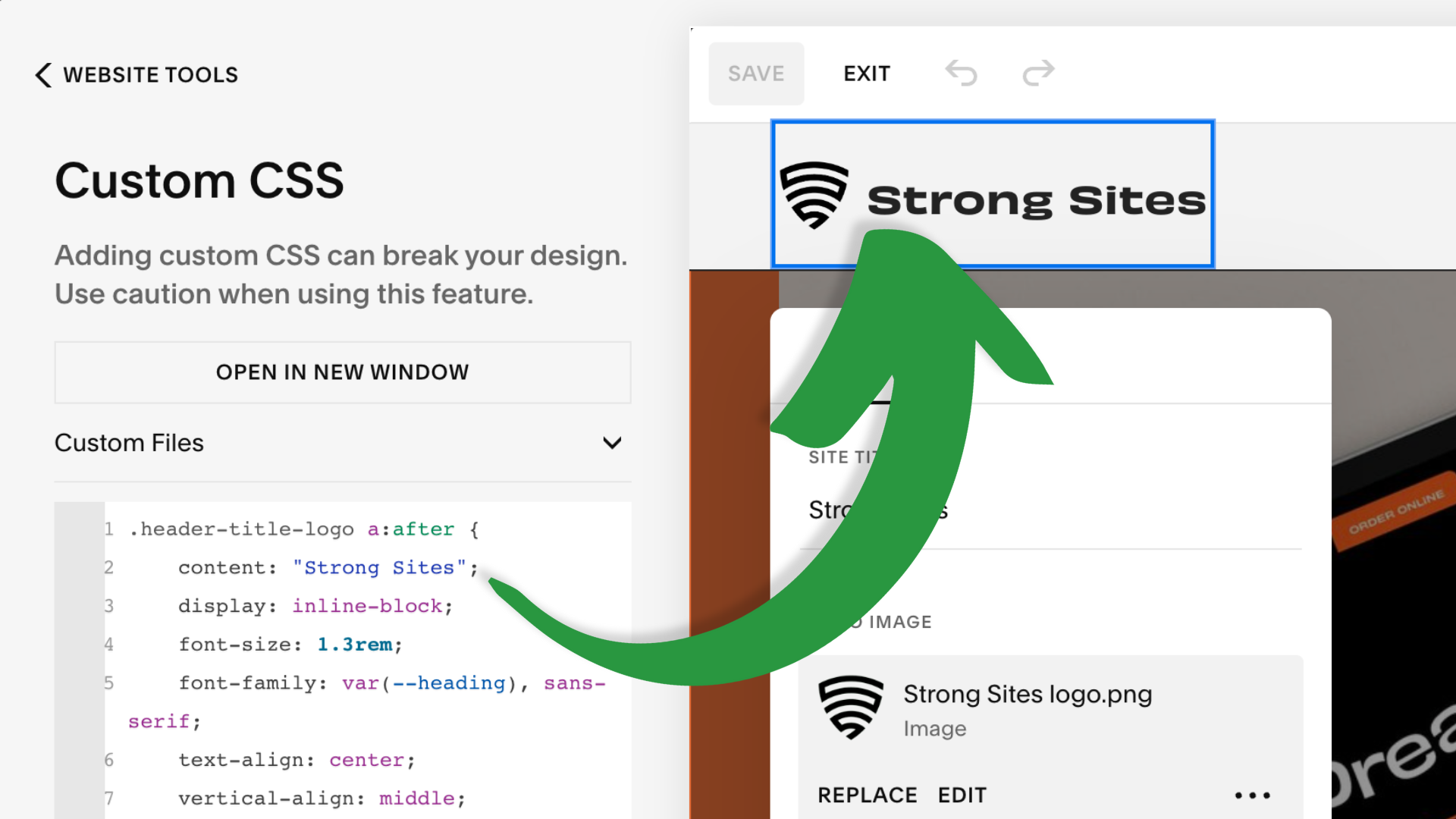
3 Ways to Combine a Logo and Text in Your Squarespace Header
...in which I demonstrate three different methods for combining logo and text in the header of your Squarespace 7.1 site: an image file, pasting or injecting a Unicode character, and using custom code to inject text after logo.