ARTicles
Explore free tips and tutorials on Squarespace and web design.
click to filter →


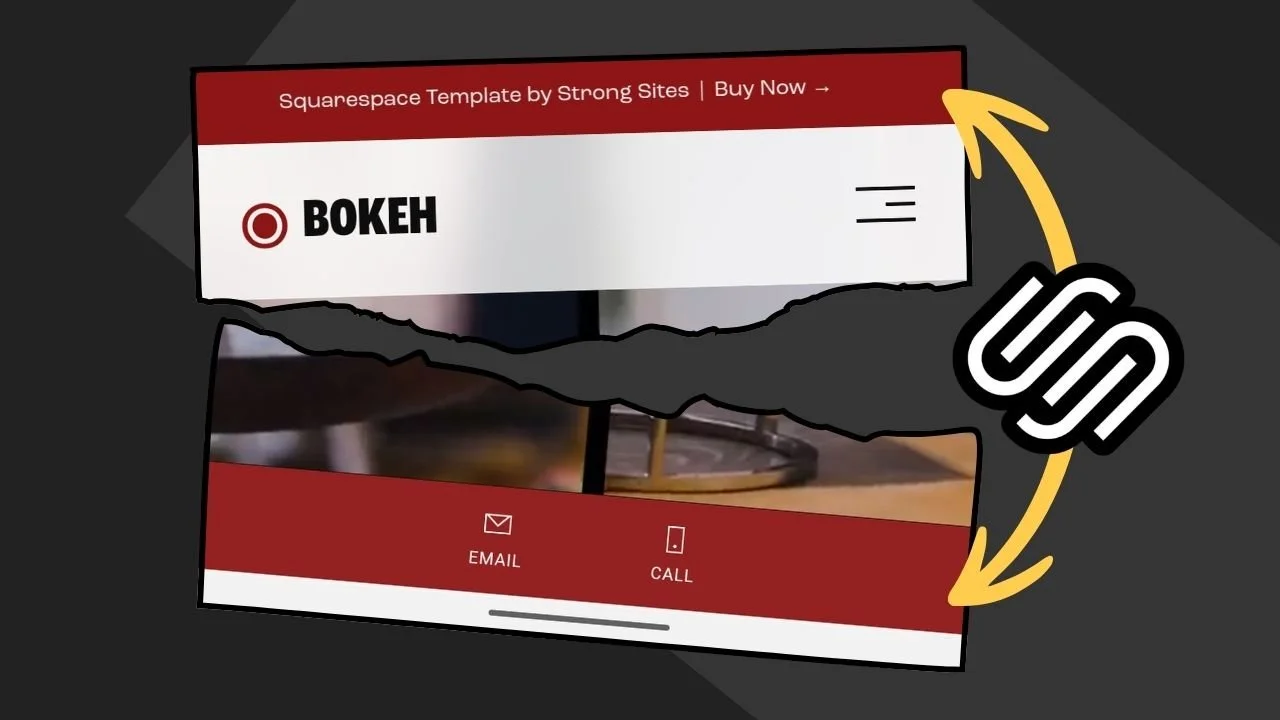
Make Squarespace’s Mobile Info Bar match your Announcement Bar color with a simple Custom CSS snippet using Squarespace color variables. This quick Squarespace 7.1 tutorial shows how to sync the mobile info bar background to your announcement bar (or your primary button color) for cleaner, brand-consistent styling on mobile.
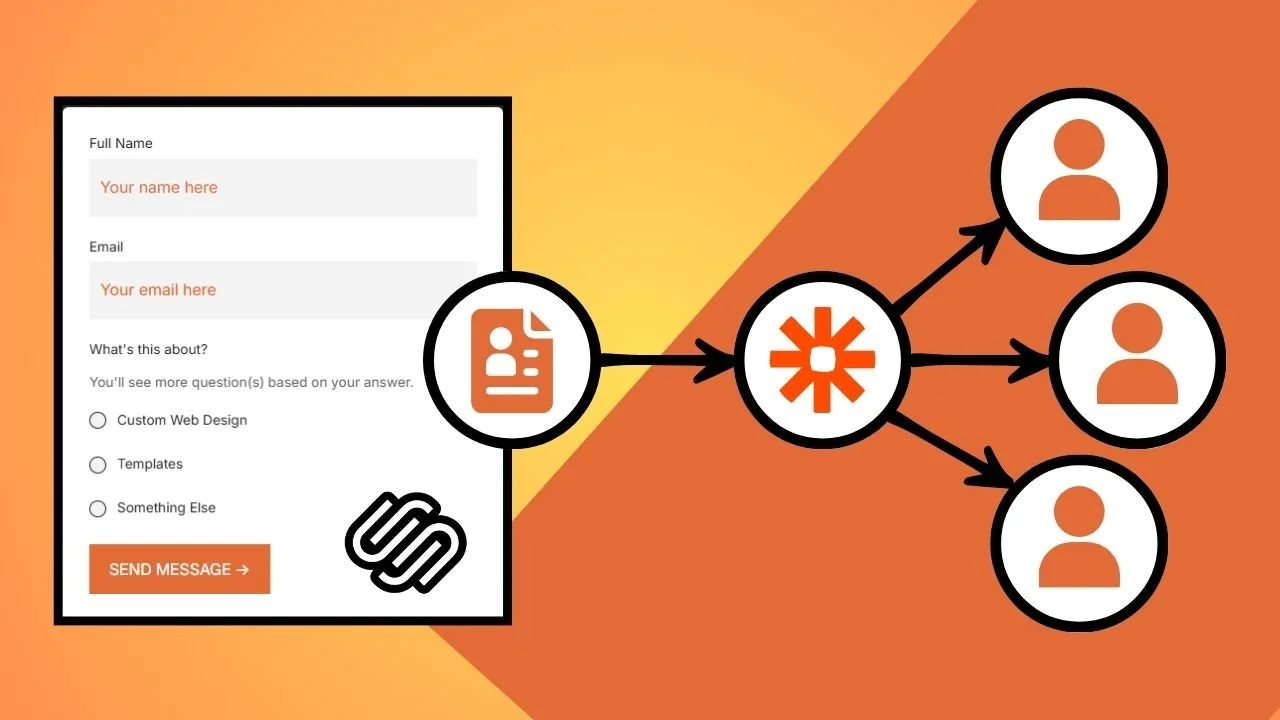
Squarespace form notifications only go to one email by default, which is fine until you have a client, VA, or team that also needs the submissions. This guide covers the easiest and most reliable ways to send Squarespace form entries to multiple inboxes using Gmail filters, Google Groups/aliases, Zapier, Pabbly Connect or Make, plus a simple fix to stop Gmail from merging submissions into one thread.
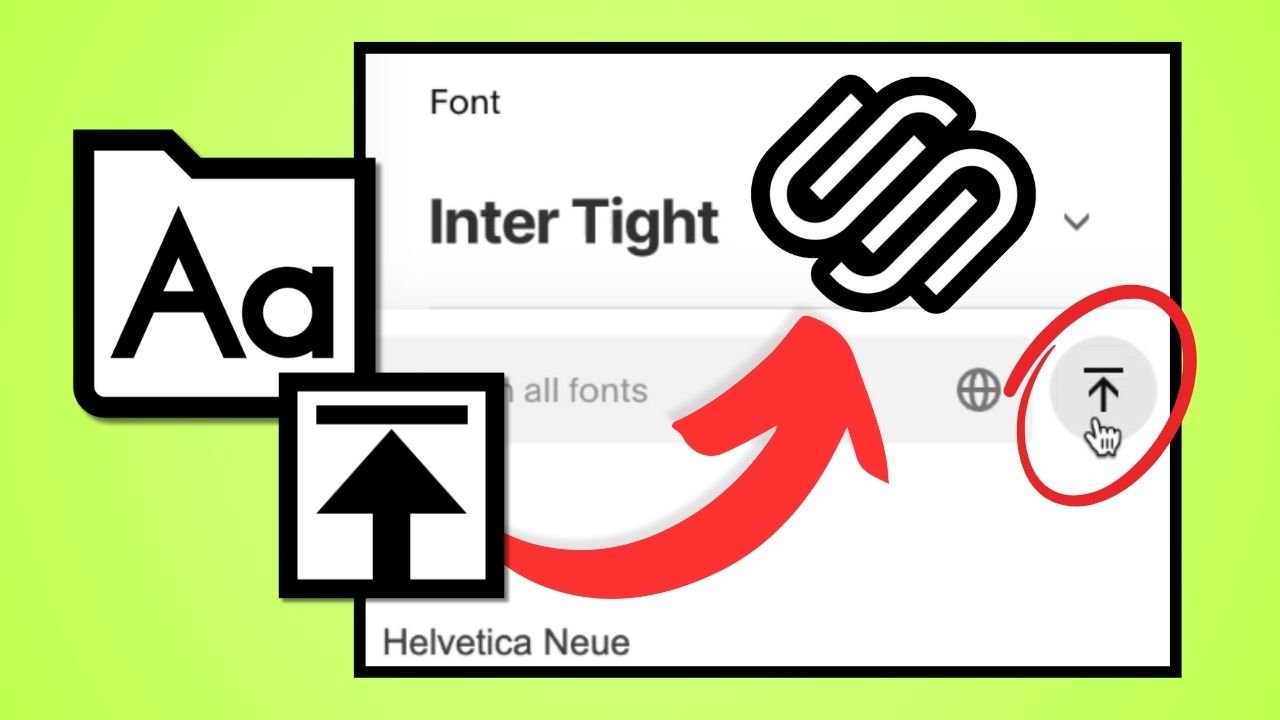
I’ll walk you through how to upload and use your own custom fonts in Squarespace without touching a line of code. I explain why hosting fonts locally can help with privacy and performance, how to convert files to WOFF2 for faster loading, and how to manage fonts directly inside Site Styles. It’s a quick, practical guide for anyone who wants their site’s typography to match their brand perfectly.

I tested Squarespace’s new pro tools that give designers real control without code. From block animations to flexbox-style Stacks, these updates make sites faster to build, smoother to hand off, and more fun to design.
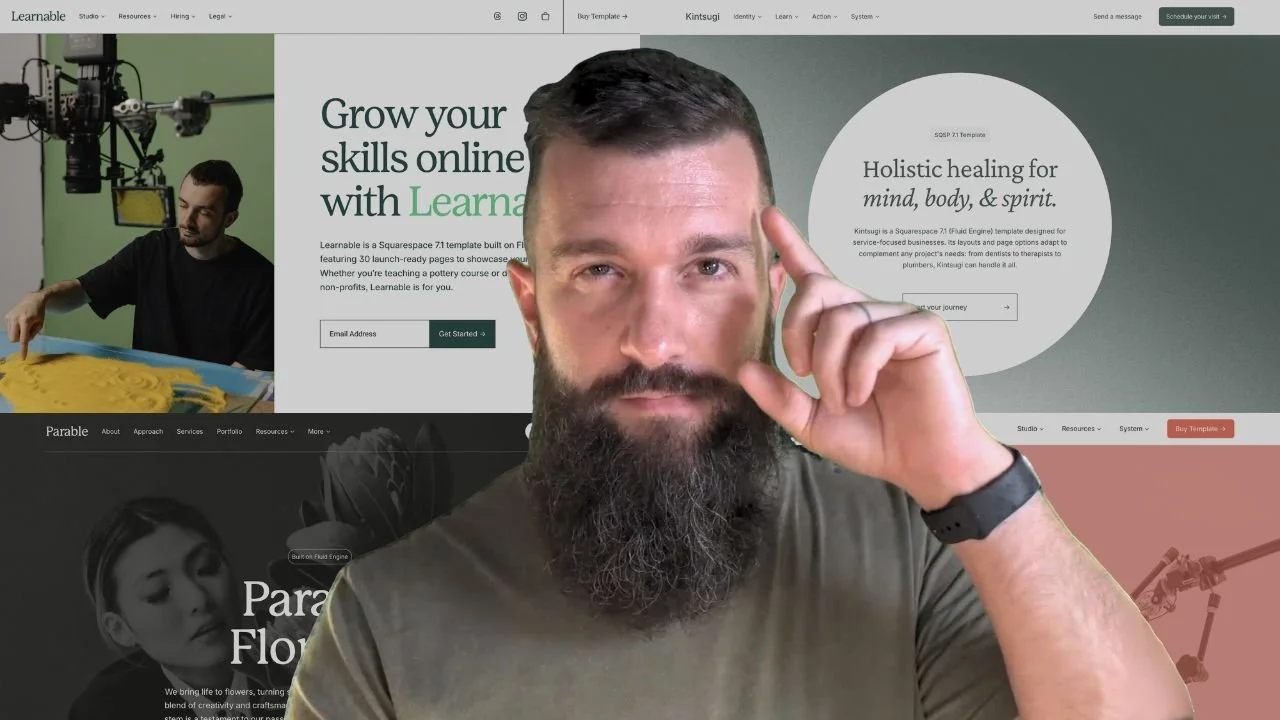
If you build Squarespace sites for clients—or yourself—you know the value of a well-built template. In this review, I break down why Studio Mesa’s templates stand out, which four I’ve personally used, and how they’ve saved me hours per project. From remote CSS updates to clean, client-friendly layouts, these designs are built to make your job easier.
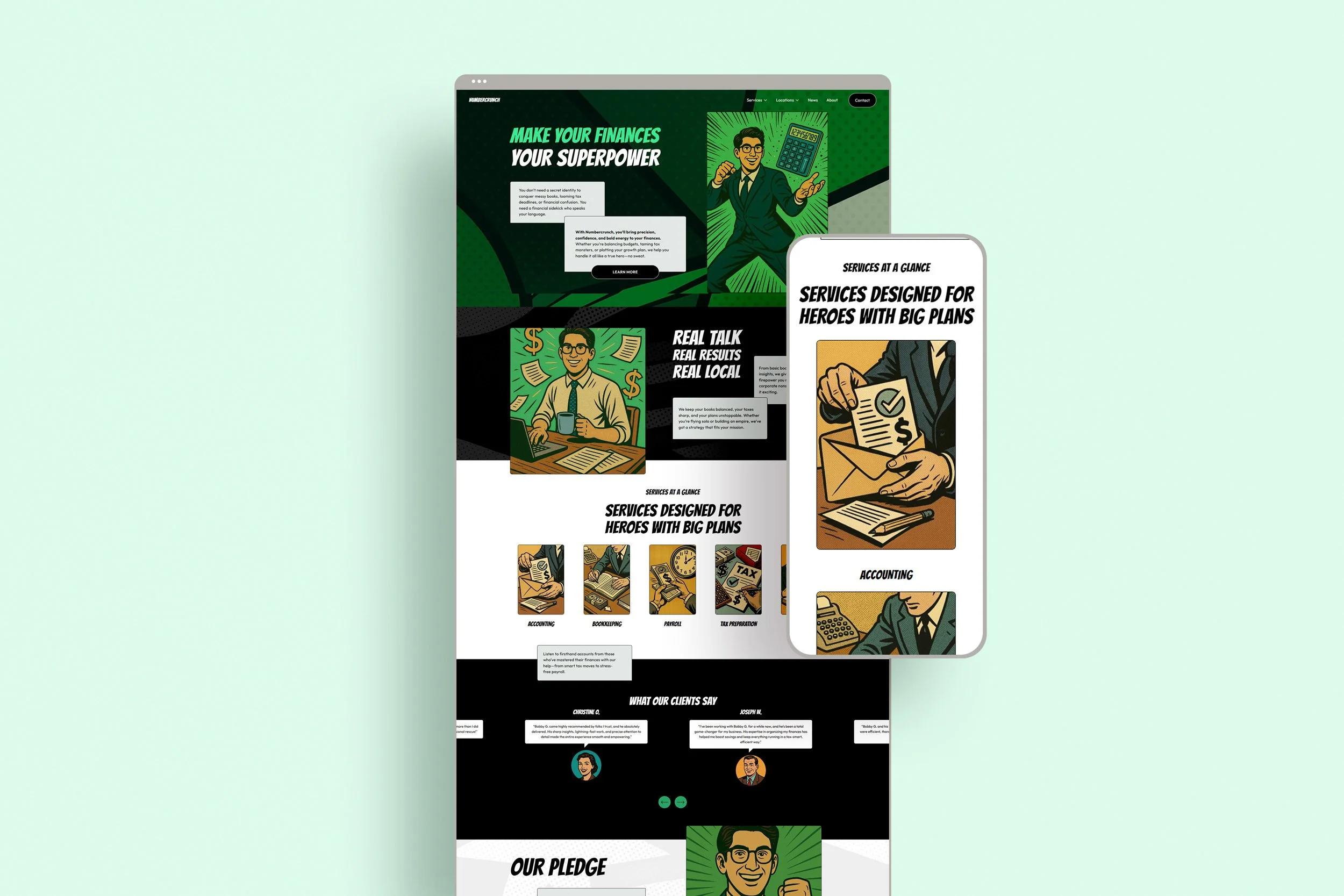
Looking to build a website that actually grows your financial practice, not just checks a box? In this guide, I break down the 7 must-have features every accountant or advisor site needs to attract clients, build trust, and rank higher on Google. Whether you're DIY-ing your build or using a template like Numbercrunch, these are the essentials you can't afford to skip.

Local SEO is one of the fastest ways for small businesses to win online, but choosing the right tool matters. I’ve used BrightLocal for years, and now SEO Space has released a Squarespace-focused add-on called SEO Space Local. In this post, I compare both tools head-to-head—pricing, features, review management, citation building, and reporting—so you can decide which one fits your business best.
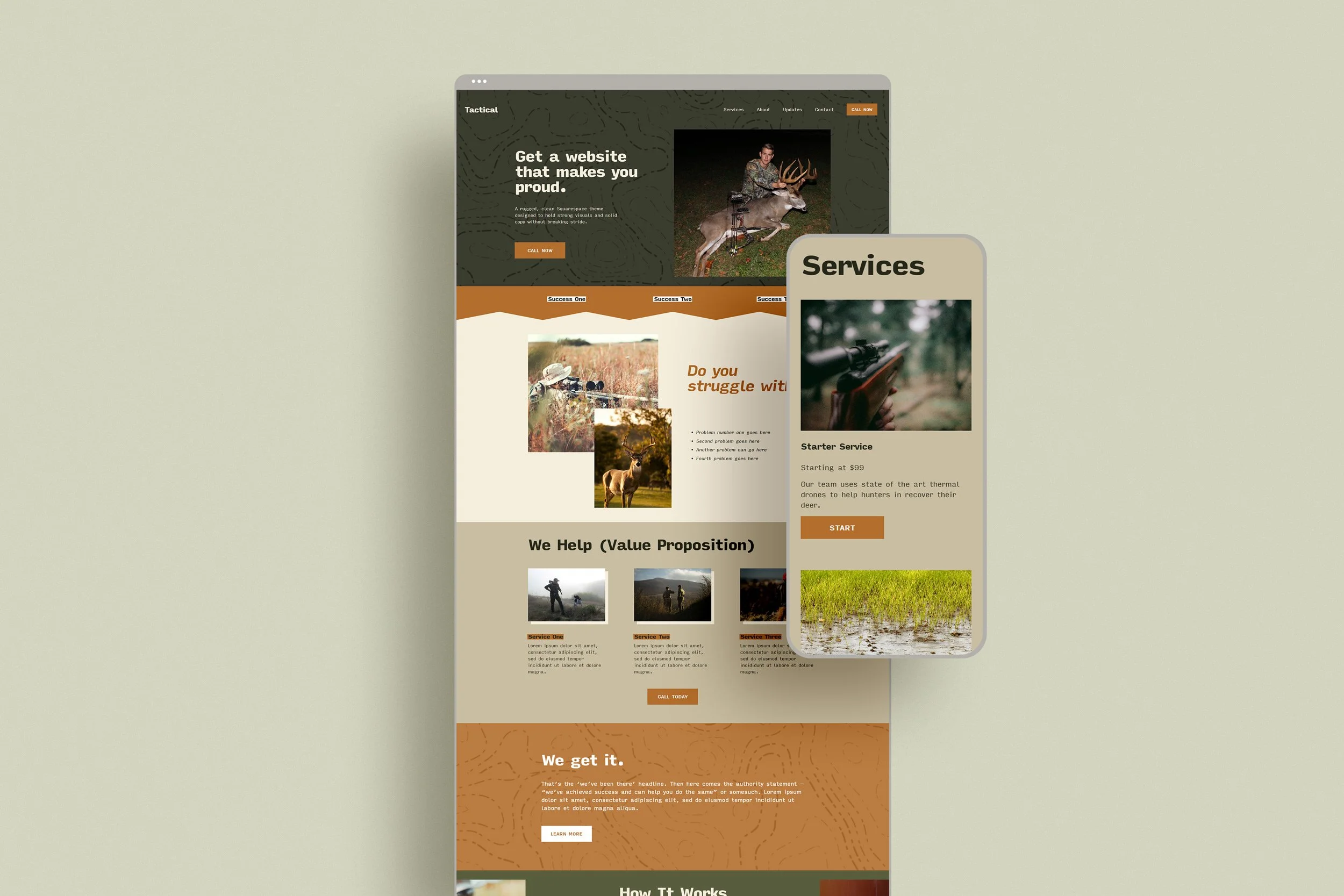
A rugged Squarespace template built for hunting guides, drone trackers, and outdoor outfitters. Tactical helps you launch a bold, professional site without the tech hassle—so you can focus on the field, not the backend.
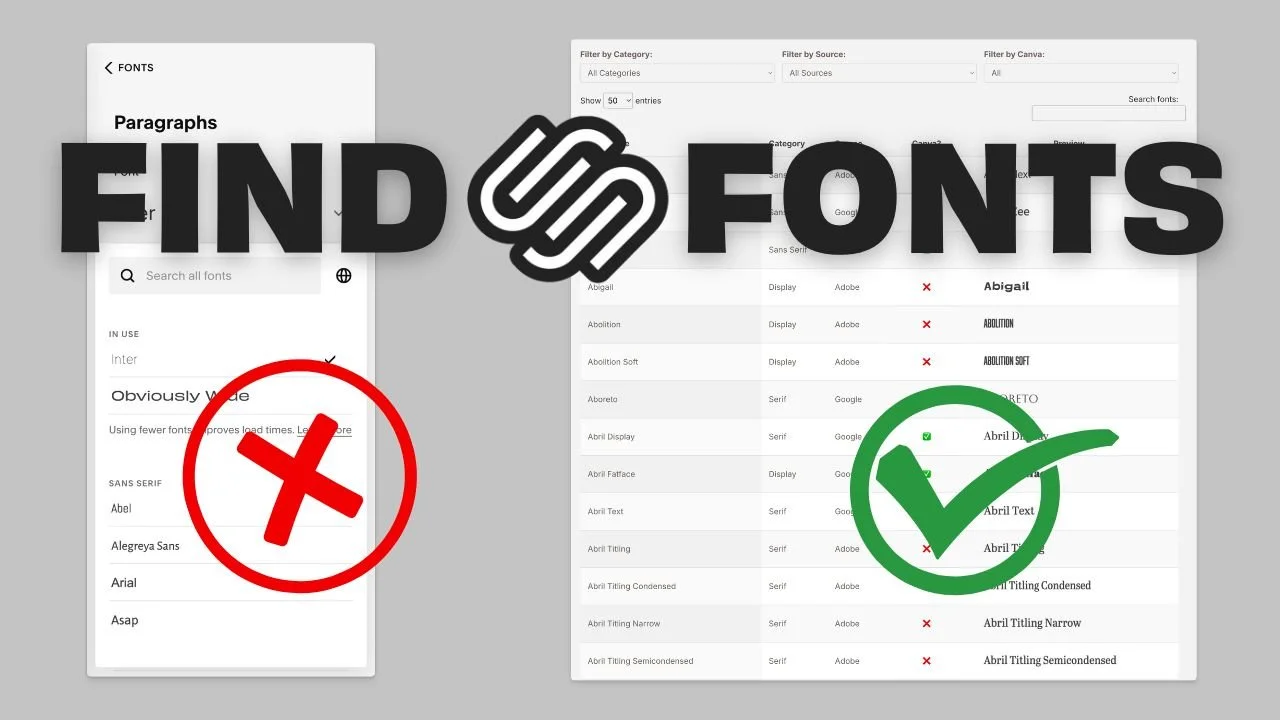
The native font picker in Squarespace is cramped, limited, and just not built for serious design work. If you’re trying to match fonts across Adobe, Google, or Canva, it’s almost useless. So I built the tool I needed: a searchable, filterable font directory that actually shows what’s available inside Squarespace.
Feeling stuck in launch limbo? A Launch Call is a 1-on-1 live session where I personally review your site, fix last-minute issues, and help you take it live with confidence. Perfect for DIYers who are 90% done but second-guessing the final push.
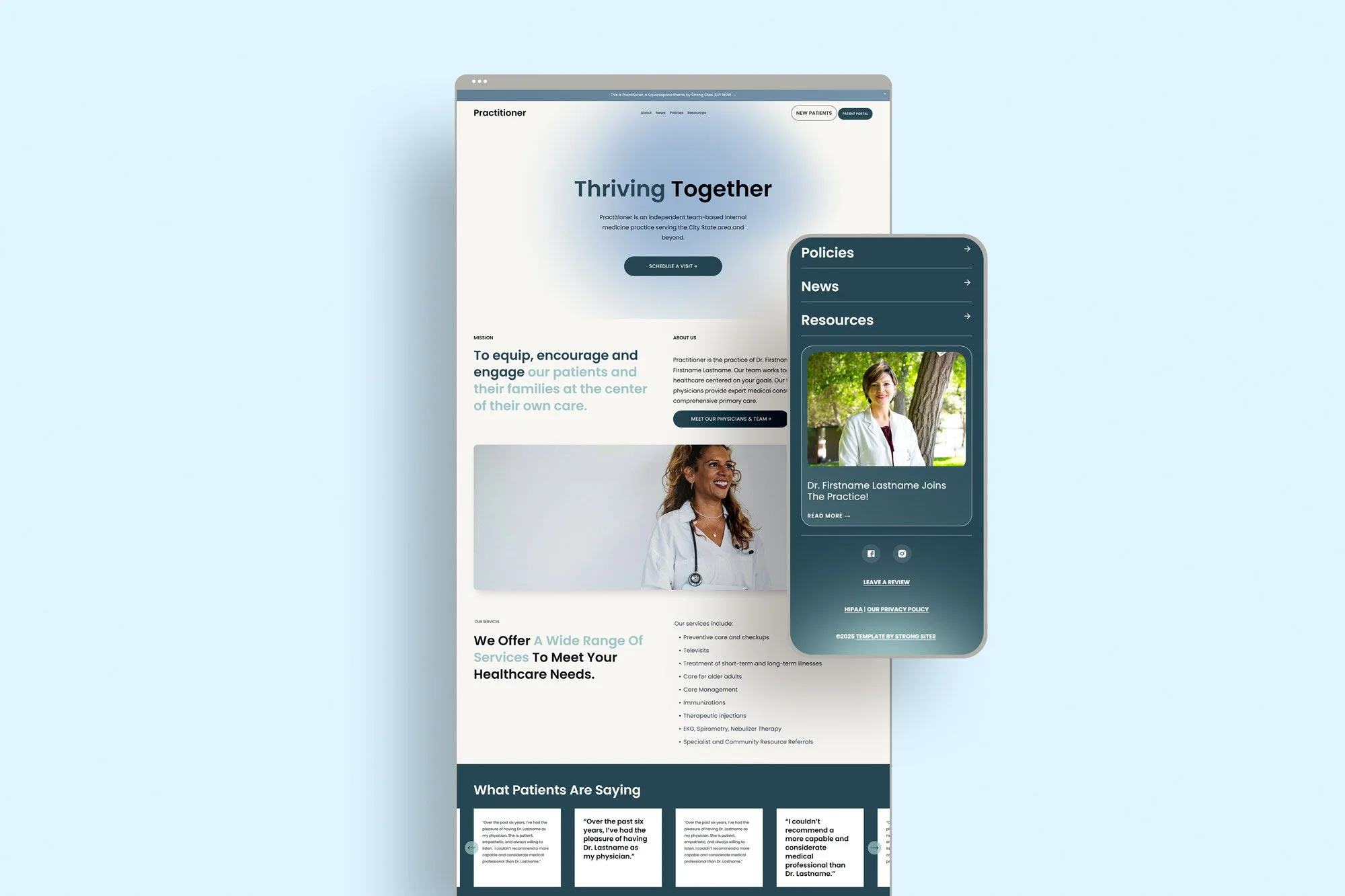
Practitioner is a purpose-built Squarespace template for medical and dental websites—designed to be clean, accessible, and mindful of HIPAA concerns. With custom layouts, patient-friendly features, and no liability-prone contact forms, it's everything a healthcare provider needs to build trust and stay compliant.


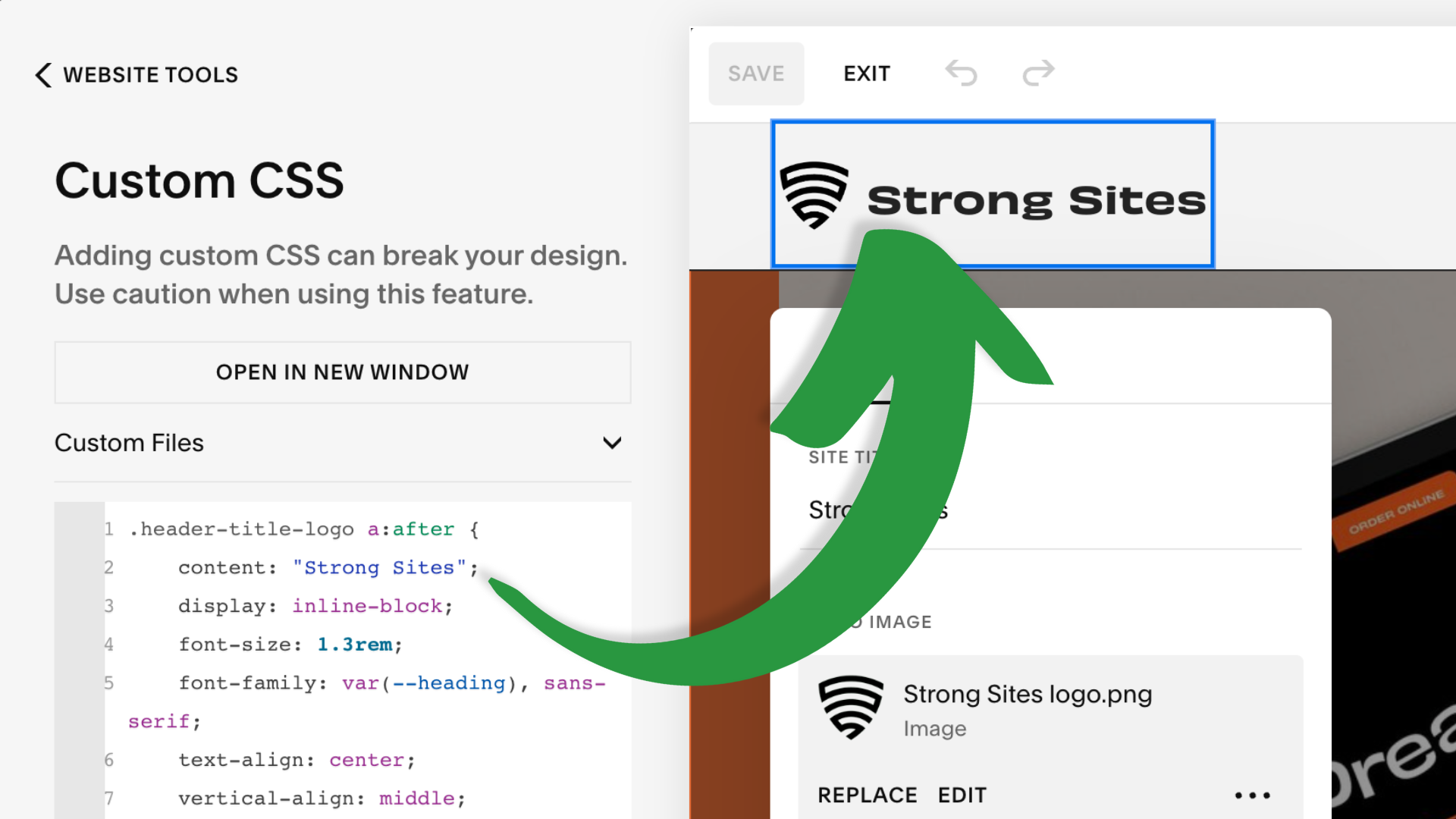
...in which I demonstrate three different methods for combining logo and text in the header of your Squarespace 7.1 site: an image file, pasting or injecting a Unicode character, and using custom code to inject text after logo.



Ever wish you could hire a website wizard to help you sort out your Squarespace problems? You’re in luck.